
On this page
Instructional designers are always asked this question: “What is it that you do?
High-skilled designers need to be knowledgeable and very creative in their field of work. They are constantly required to meet demanding expectations from their client in order to deliver the best experience to their end customers. This blog will cue you in on five common design challenges and ways to fix them.
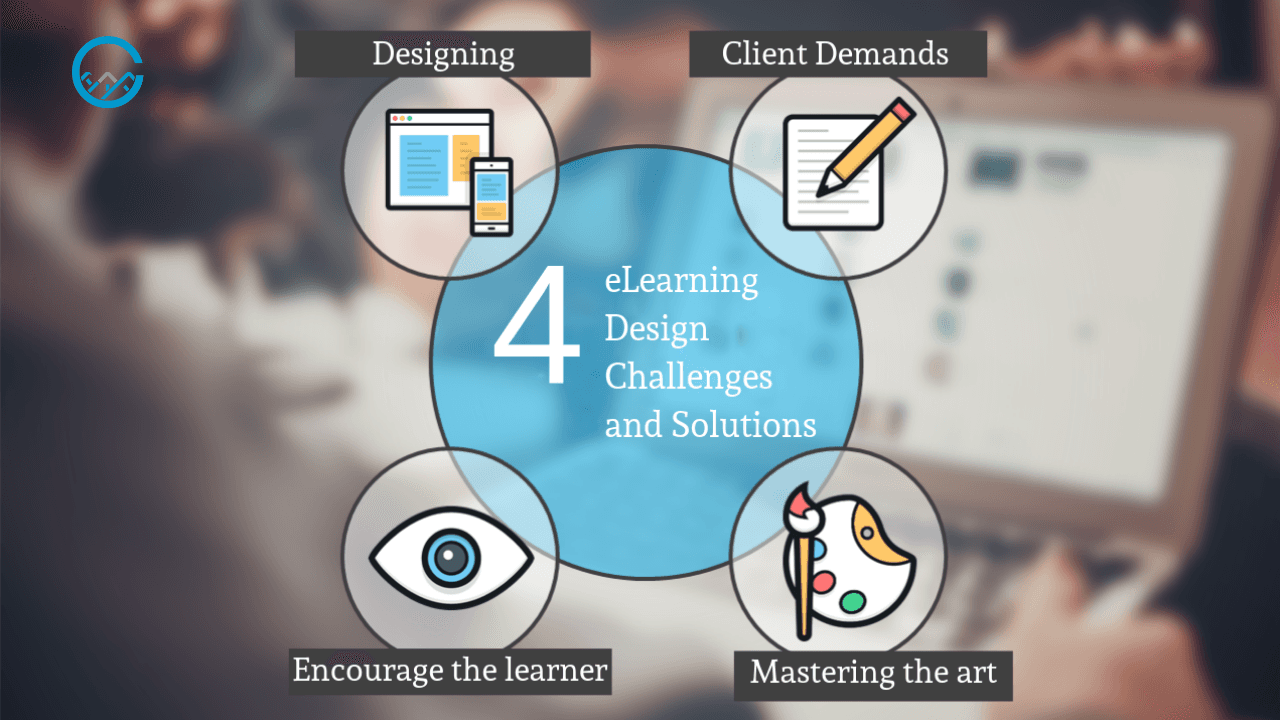
1. Meeting crazy client demands:
It is imperative that your clients will always want you to provide them with the best results. They could send you a 6 slides PPT or a 100 slides. Your job would be to compile all of that into an interactive layout for your customers. The best way to interpret your clients task it to curate your content by articulating a storyline, which includes interactive graphics and clickable elements. This will make the overall experience for your learners less daunting.2. Designing for modern learners:
In a recent study conducted by Microsoft, it is confirmed that readers have a short span of attention. They will spend a maximum of 8 seconds on a topic. Your challenge as a designer is to create a customized learning experience for them. You need to make the content very specific. You can answer the most commonly asked questions by learners “What is in it for me? (WIFM)”. The point here is to engage the learner, but make sure you use good design techniques with the help of immersive learning. (Also Read: Gamification trends in 2019)3. Mastering the art of communication:
Your design model must have the power to visually and verbally speak with your audience. Too much design elements are not encouraged in order to create a perfect eLearning course. You must keep these points in mind:- Keep one font style for the heading and sub-headings and another style for the body content.
- Avoid toggling between different slide layouts. Choose the best suitable one and stick to it.
- Use a minimum of 2-3 font colors of the same gradient.
- Symbols are a great way to distinguish between content. (E.g. a question mark icon to indicate a discussion)